

Search Website
Notification bar
Example
Deadline: May 25, 2025
Use case: Use this component for brief informational messages that do not require immediate action.
Best practice: Keep the message short to avoid line breaks. Concise text is easier to scan and more likely to catch attention.
How to add a notification bar
- Edit a one-column component on your page, or create a new one-column component.
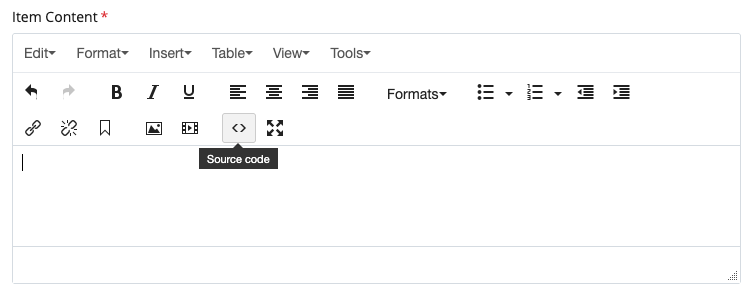
- In the Content Editor (WYSIWYG), open the Source Code view by clicking the
<>icon. - Copy the code from the Copy this code tab.
- Update the highlighted text only, then paste the code into the Source Code window.
- Save and review your page.
Edit only the highlighted text before pasting:
<div class="call-out-bg bg-co-white">
  <div class="call-out-text">
    <p class="h4" style="color: #4f2683 !important;">
      <svg
            xmlns="http://www.w3.org/2000/svg"
        class="bi bi-bell"
        fill="currentColor"
        height="26"
        style="margin-right: 20px; color: #4f2683;"
        viewBox="0 0 16 16"
        width="26"
      >
        <path d="M8 16a2 2 0 0 0 2-2H6a2 2 0 0 0 2 2M8 1.918l-.797.161A4 4 0 0 0 4 6c0 .628-.134 2.197-.459 3.742-.16.767-.376 1.566-.663 2.258h10.244c-.287-.692-.502-1.49-.663-2.258C12.134 8.197 12 6.628 12 6a4 4 0 0 0-3.203-3.92zM14.22 12c.223.447.481.801.78 1H1c.299-.199.557-.553.78-1C2.68 10.2 3 6.88 3 6c0-2.42 1.72-4.44 4.005-4.901a1 1 0 1 1 1.99 0A5 5 0 0 1 13 6c0 .88.32 4.2 1.22 6"></path>
      </svg>

            Deadline: May 25, 2025
    </p>
  </div>
</div>